Network API Access
The nilPay Subscription Portal allows you to subscribe and create credentials for using the Private Storage and Private LLMs network APIs.
This guide walks you through the process of creating an API key.
Prerequisites
You must have acquired some Sepolia ETH + NIL via this faucet guide.
Create an API Key
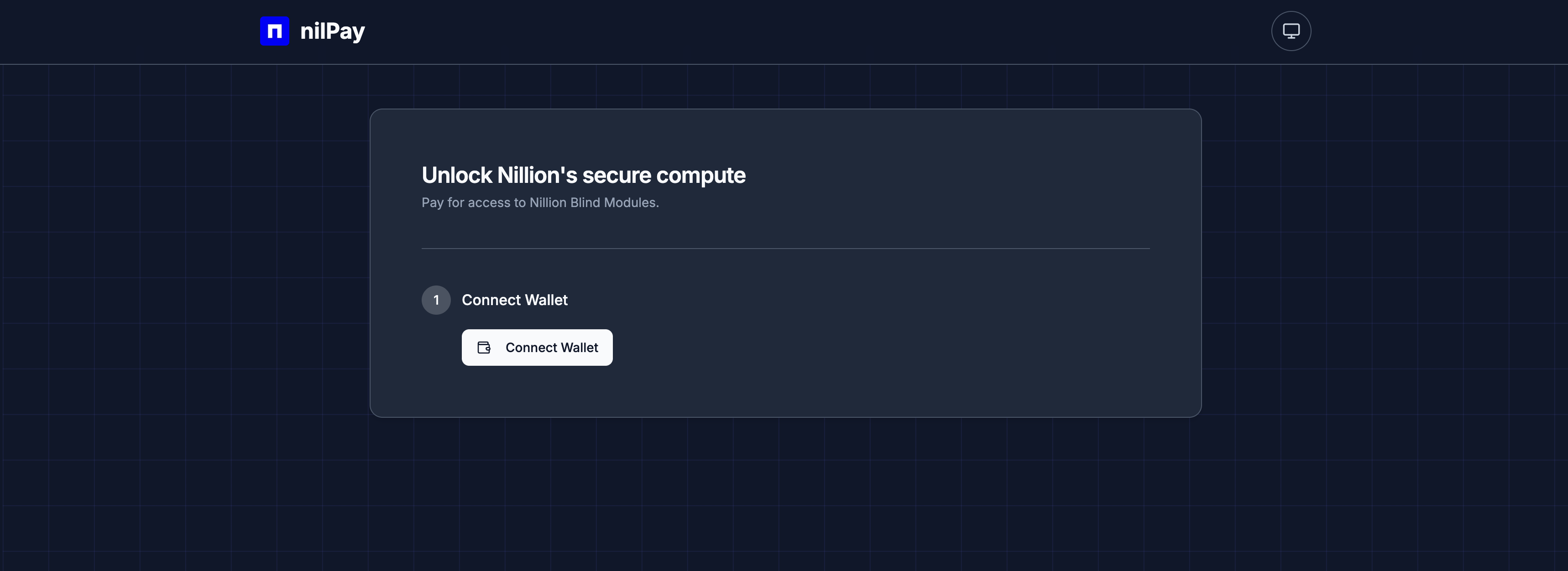
Open up the nilPay Subscription Portal to create an API key. Sign in via your desired EVM browser wallet.
Connecting to Sepolia
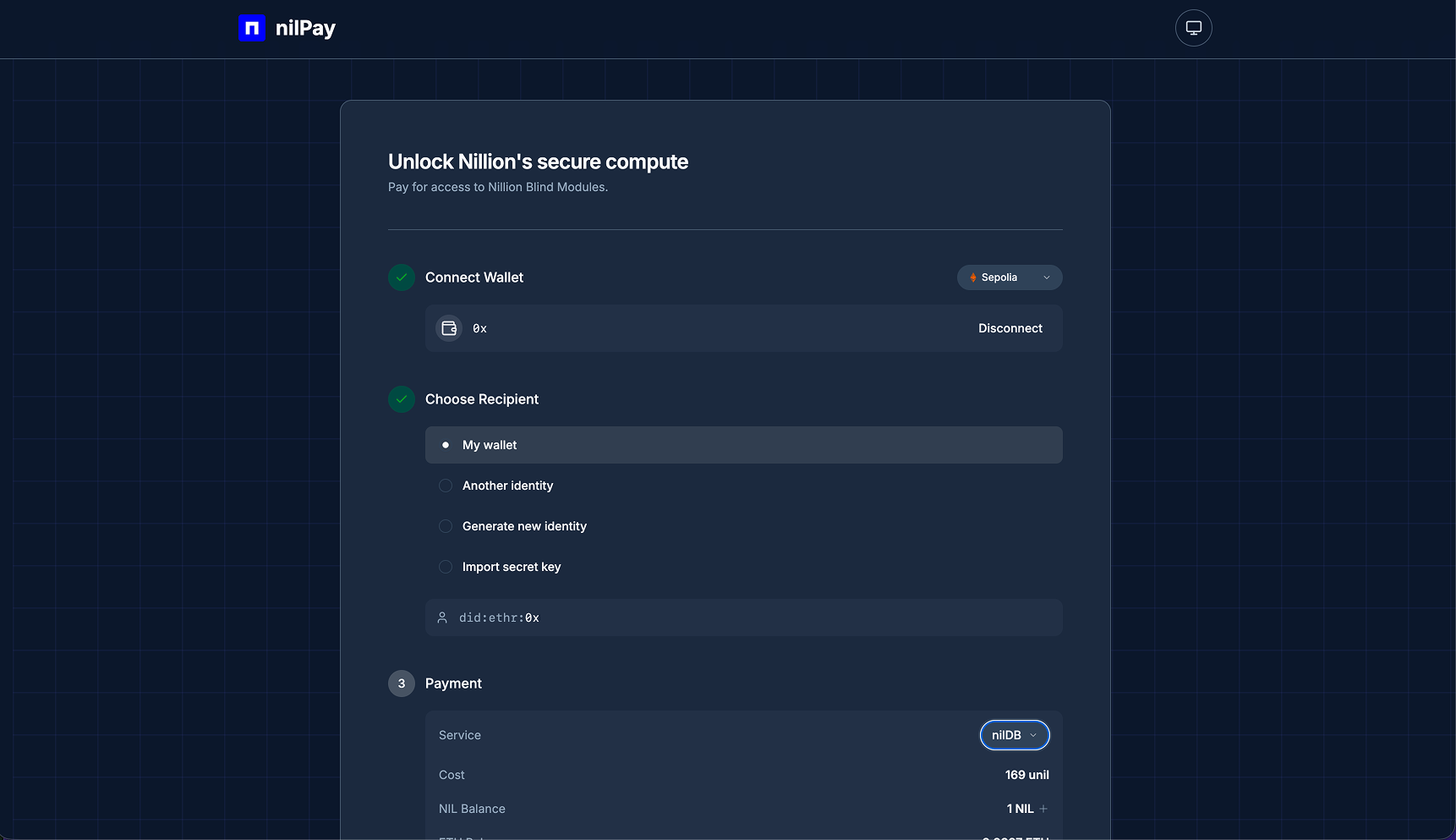
Your EVM wallet should connect to the nilPay Portal. Select Sepolia for your desired network.
Identity Options
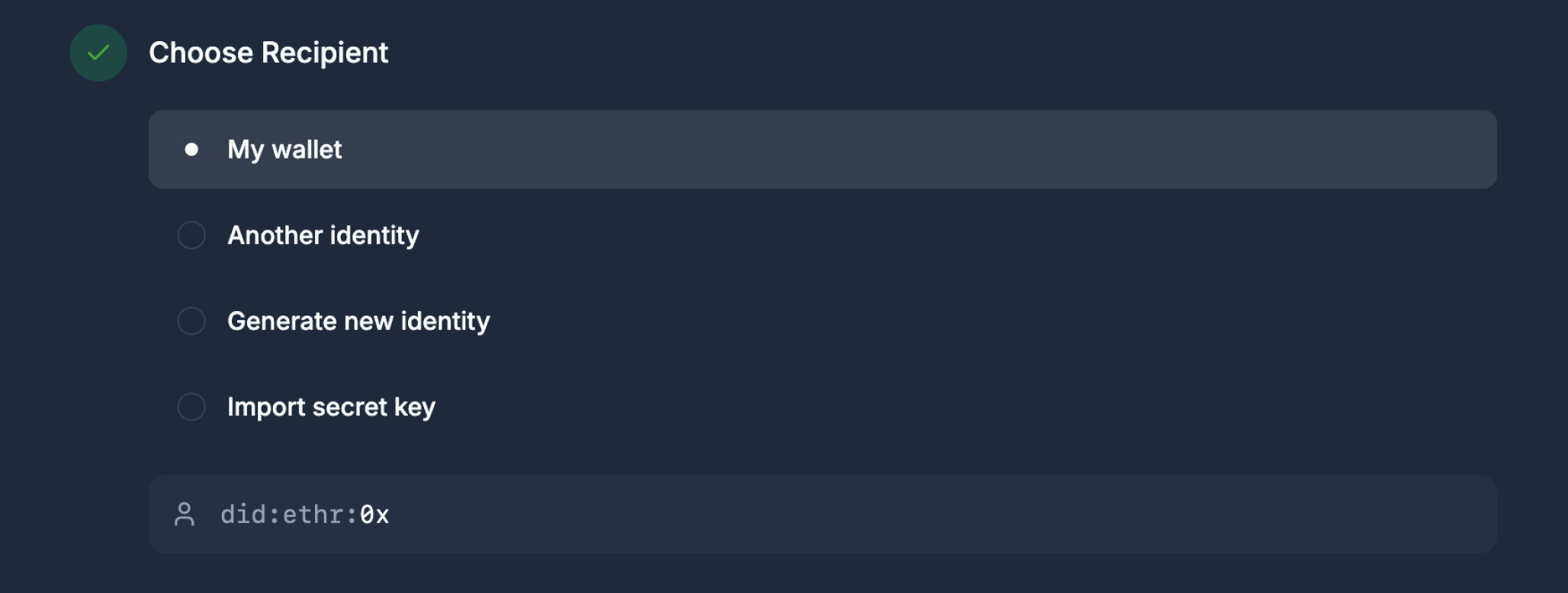
The Choose Recipient step lets you decide which identity will have access to your nilDB and/or nilAI subscription. There are two categories:
| Category | Options | How it works |
|---|---|---|
| Wallet-based | My Wallet, Another Identity | Access is tied directly to an Ethereum address. Use My Wallet for your connected address, or Another Identity to grant access to a different Ethereum address. |
| Key-based | Generate New Identity, Import Secret Key | Works like a standard API key approach — a Secp256k1 private key authenticates your requests directly. Use Generate New Identity to create a new key, or Import Secret Key to reuse an existing one. The key is associated with your Ethereum address at creation time. |
Your address may appear as did:ethr:0xXXX. This is a DID (Decentralized Identifier) — a unique cryptographic identifier derived from your public key, used for verifiable authentication.
- Private Storage
- Private LLM
For nilDB, all four identity options are available — both wallet-based and key-based.
For nilAI, only key-based options are supported: Generate New Identity or Import Secret Key. This works like a standard API key approach — your secret key authenticates requests directly. Do not lose your Secret Key.
Subscription to nilAI and/or nilDB
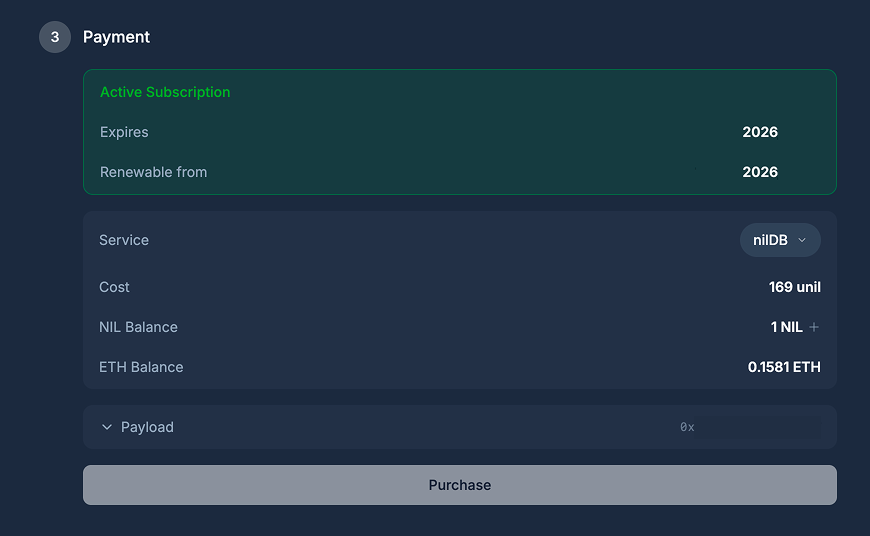
You have the required NIL from the prerequisite / testnet faucet, so you should be able to subscribe to either of the services.
Click on the either Purchase for nilDB or nilAI to subscribe and follow the wallet prompts.
After the payment goes through, you will have a 28 day subscription to the service and can now use your keys.